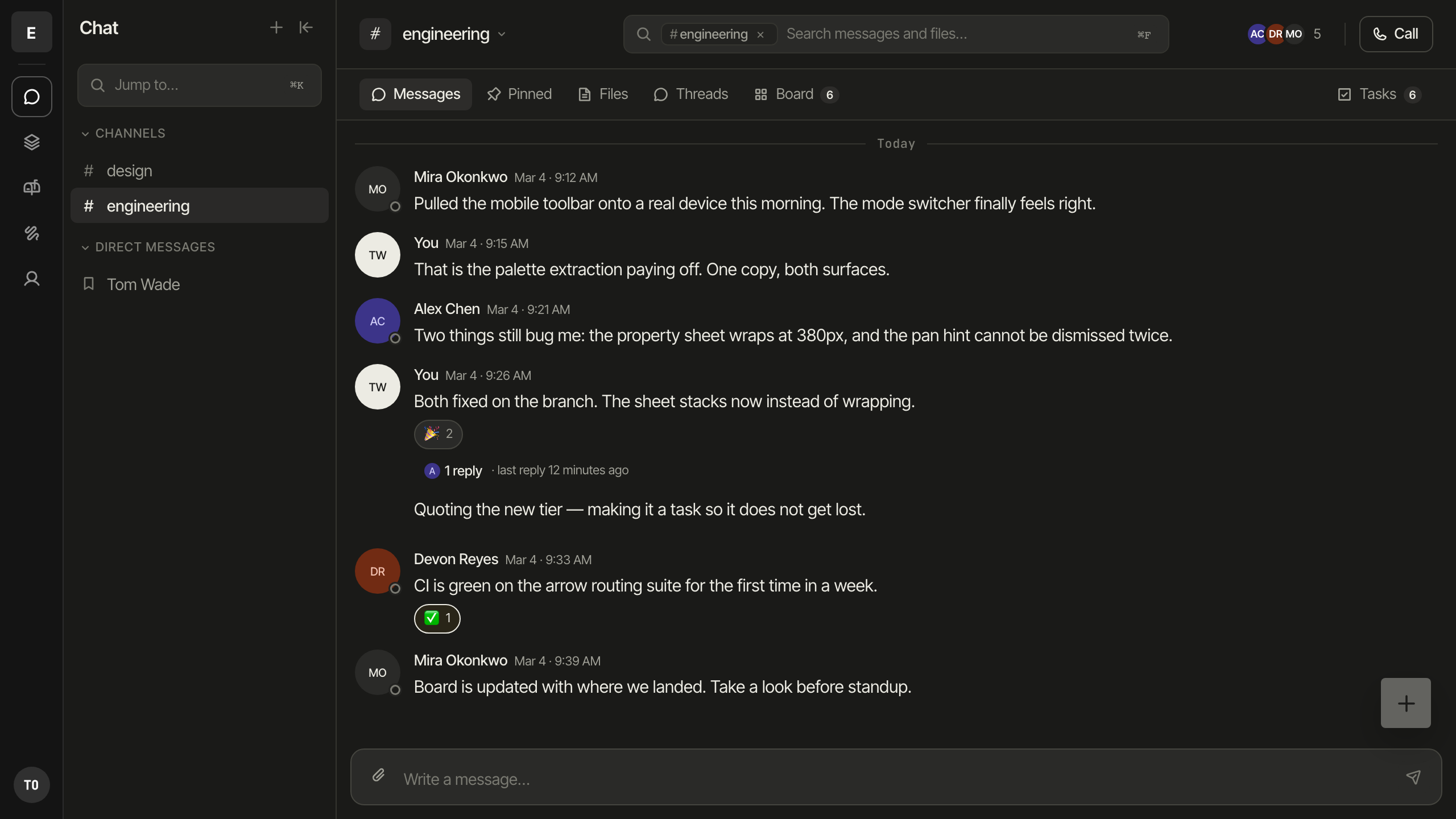
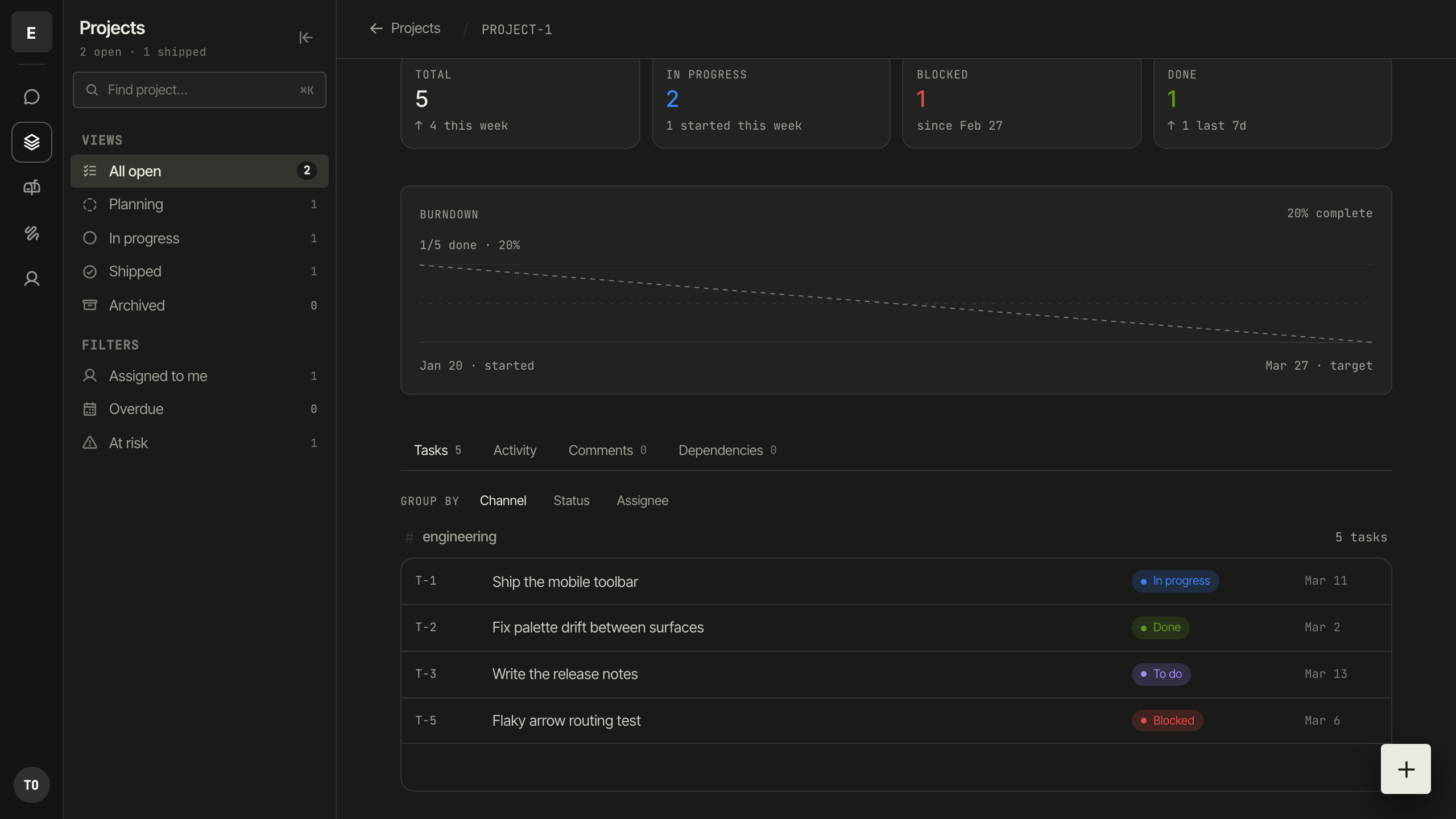
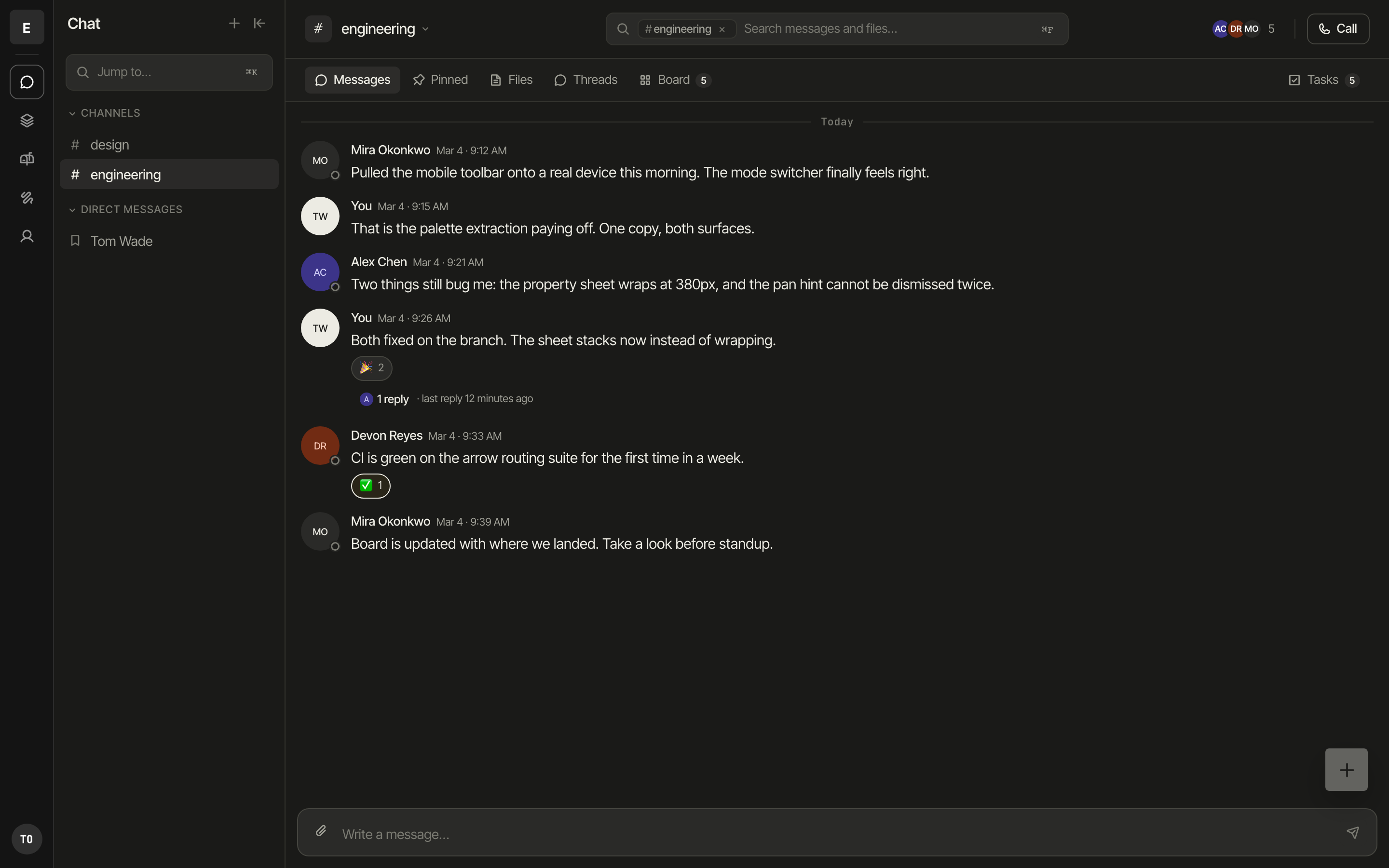
Not a copy that syncs. One row, rendered by whichever surface you opened.
The highlighted card below never gets redrawn — watch it move.
☑Send updated renewal quote
Someone makes it a task while typing.
Zinthi Chat5 in channel
Why one workspace
Work stops falling through the gaps between tools.
Most teams run chat in one app, boards in another, and a tracker in a third.
Every handoff between them is a place for work to get lost. Zinthi keeps one
record and renders it wherever you're looking.
One task, every surface
A task created in a channel is the same row on a board and the same item in your personal list. Same ID, same history, no copies to reconcile.
Conversation keeps its context
Threads, docs, boards, and calls live in the channel they belong to. You don't paste links between apps to explain what you're talking about.
Catch up on what you missed
Come back to a busy channel and get a short summary of the thread, with every claim linked to the message it came from.
Yours to leave
Export your workspace whenever you want. Boards export to FigJam today.
Zinthi Boards
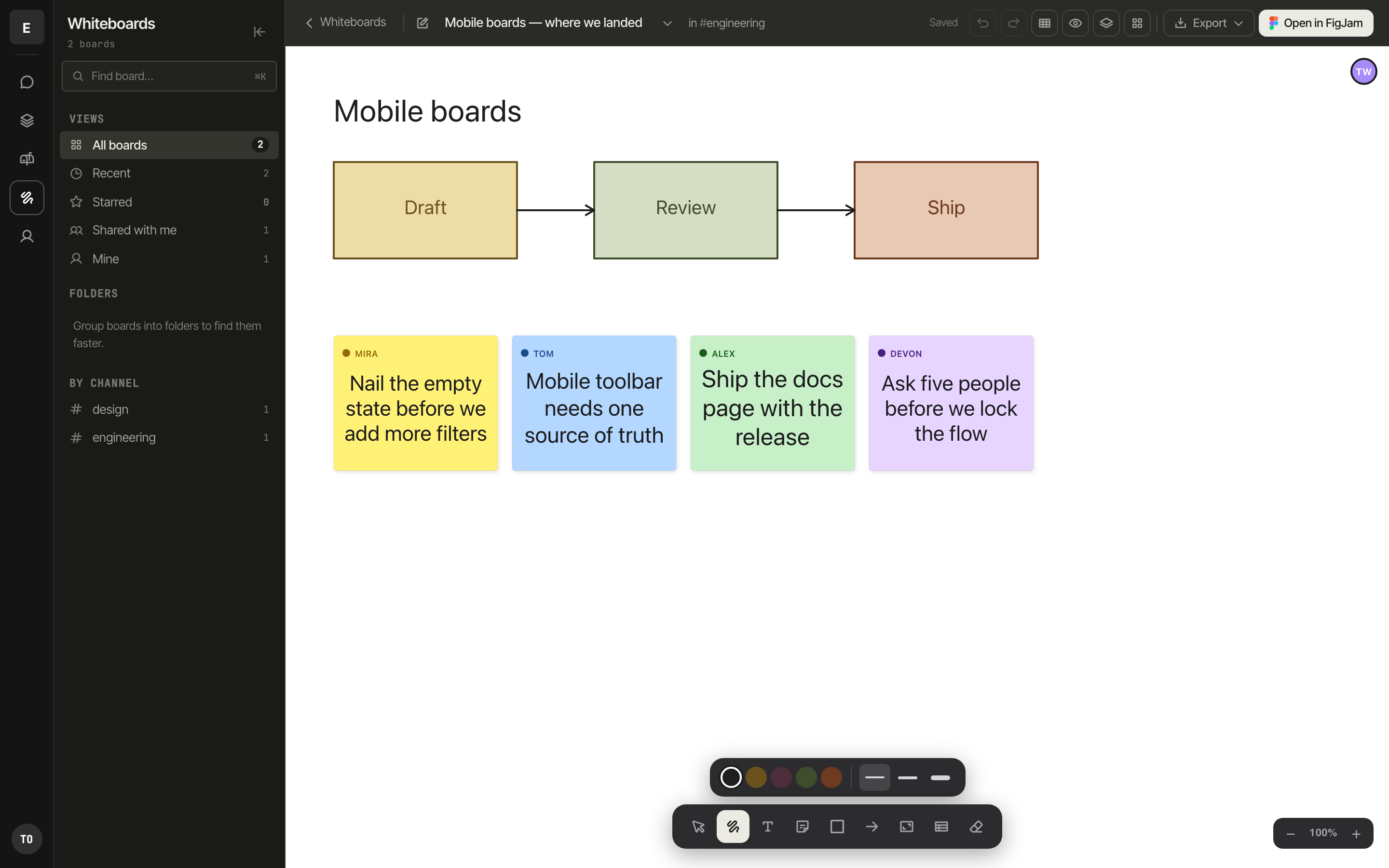
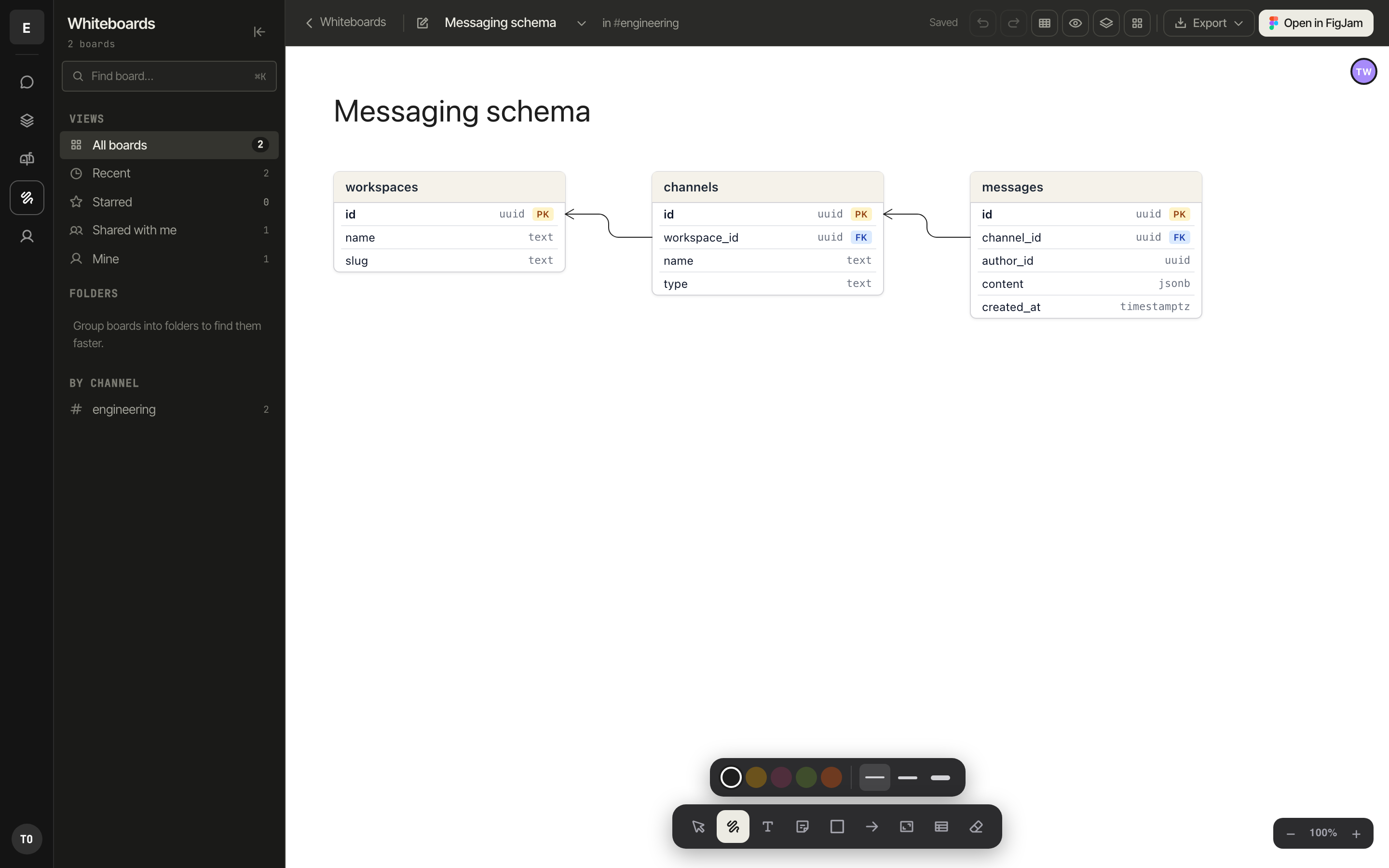
An infinite canvas that knows about your tasks.
Sketch, cluster, and plan together in real time. Turn any sticky into a task and it
shows up in the channel — not as a link, as the task itself.
Mobile boardsTWAC
Plan a launch on an open canvas.
Or diagram a schema, with real tables and keys.
Zinthi Calls
Start a call where the conversation already is.
Any channel can become a call. Share a screen, draw on the board together, and
keep the notes in the channel when you hang up. No links to schedule, no separate app.
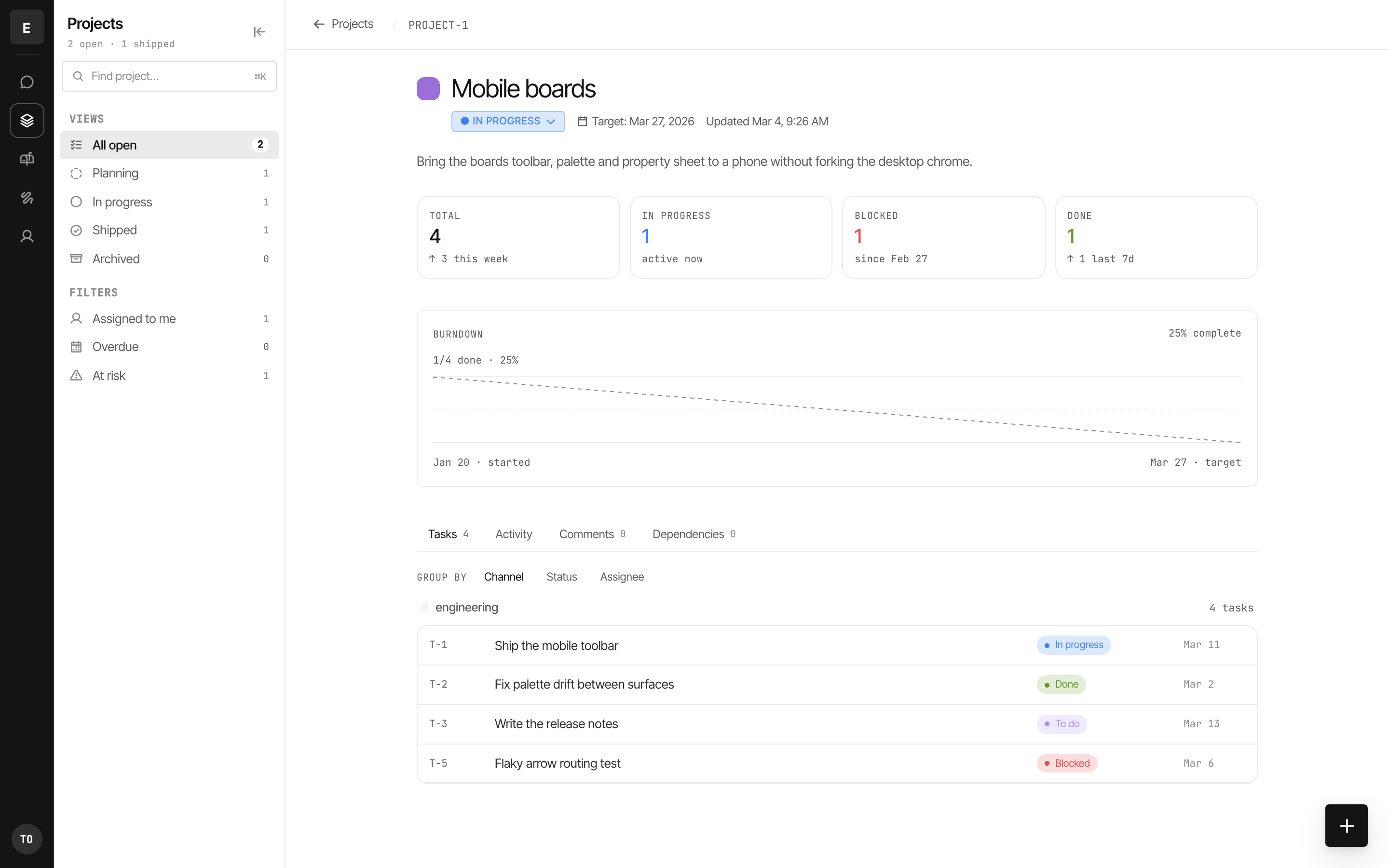
Group tasks into projects and watch them move. Because tasks come from the places
work actually happens — a message, a sticky, a call — the board stays current without
anyone maintaining it.
Zinthi Docs
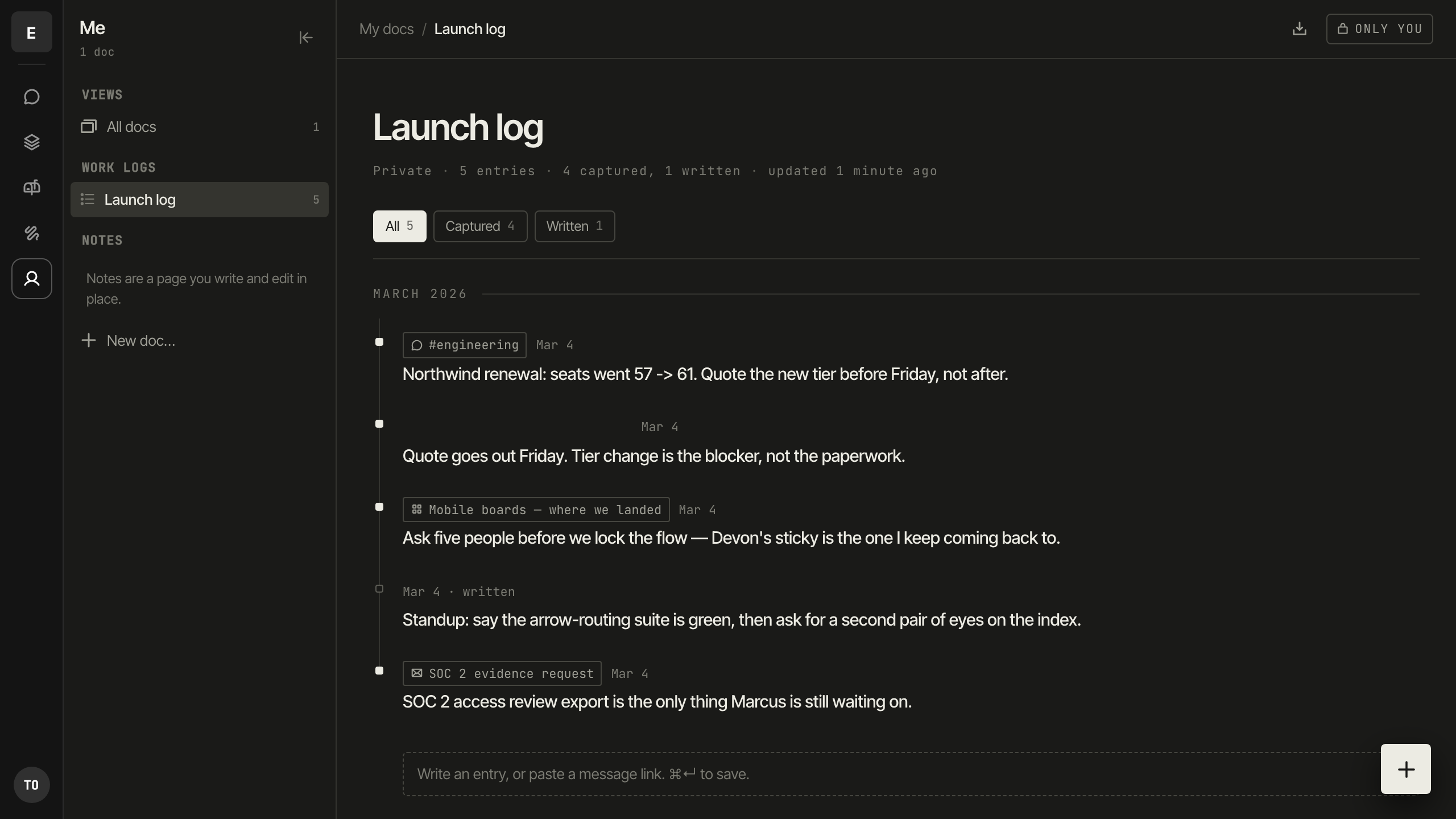
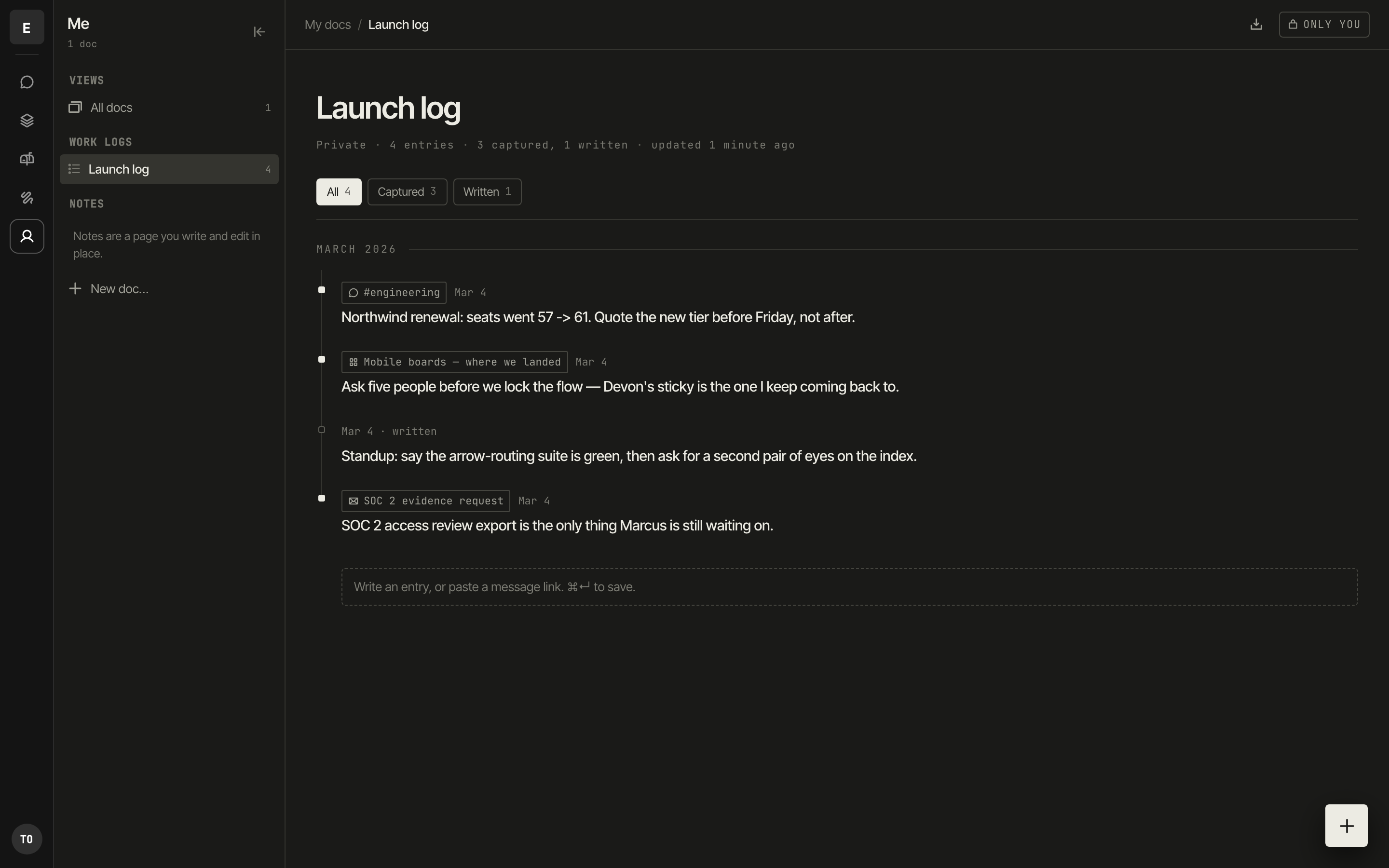
A log that fills itself from the work.
Capture a message, a sticky, or an email straight into your own log. Each entry keeps
a link back to where it came from — so a week later you still know why you wrote it.
Launch log3 captured · 1 written
In development · Zinthi Mail
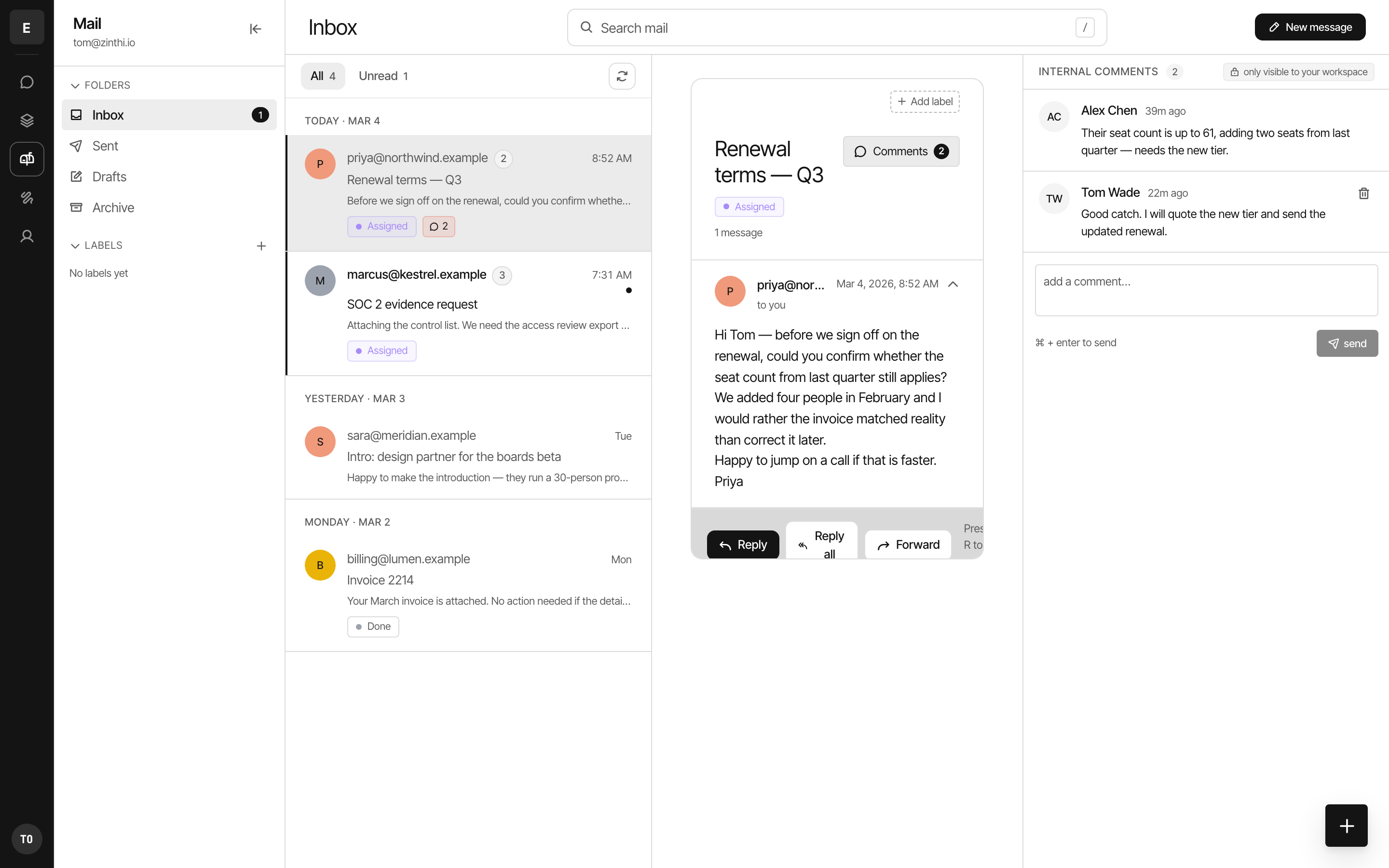
Talk about an email without forwarding it.
Zinthi Mail connects your Gmail account and adds a private lane beside every thread.
Your team can discuss a customer email, assign a follow-up, and agree on a reply —
in comments that are structurally incapable of being sent to the customer.
gmail.readonly
Reads the messages in your mailbox so Zinthi can display your threads. Nothing is used for advertising, and message content is never used to train models.
gmail.modify
Applies labels and marks messages read or unread when you act on them in Zinthi, so your mailbox stays in sync with what you've already handled.
gmail.send
Sends the replies you write in Zinthi from your own address. Internal comments are stored separately and are never included in an outgoing message.